Interactive Whiteboard News

4K vs 1080p Digital Signage: Key Differences for Business Displays

2026-01-07

When businesses plan to invest in digital signage, video walls, or commercial displays, resolution is often one of the first specifications they examine. Among the available options, 4K and 1080p remain the two most commonly compared standards.

Many people know that “4K is clearer than 1080p,” but the real decision is far more nuanced—especially in commercial environments, where screen size, viewing distance, content type, long-term cost, and branding impact all matter.

This article takes a comprehensive look at the five key differences between 4K and 1080p, explains how those differences affect real-world digital signage applications, and helps you decide which resolution is the better investment for your project.

What Do 4K and 1080p Mean?

4K vs 1080p Digital Signage: Key Differences for Business Displays

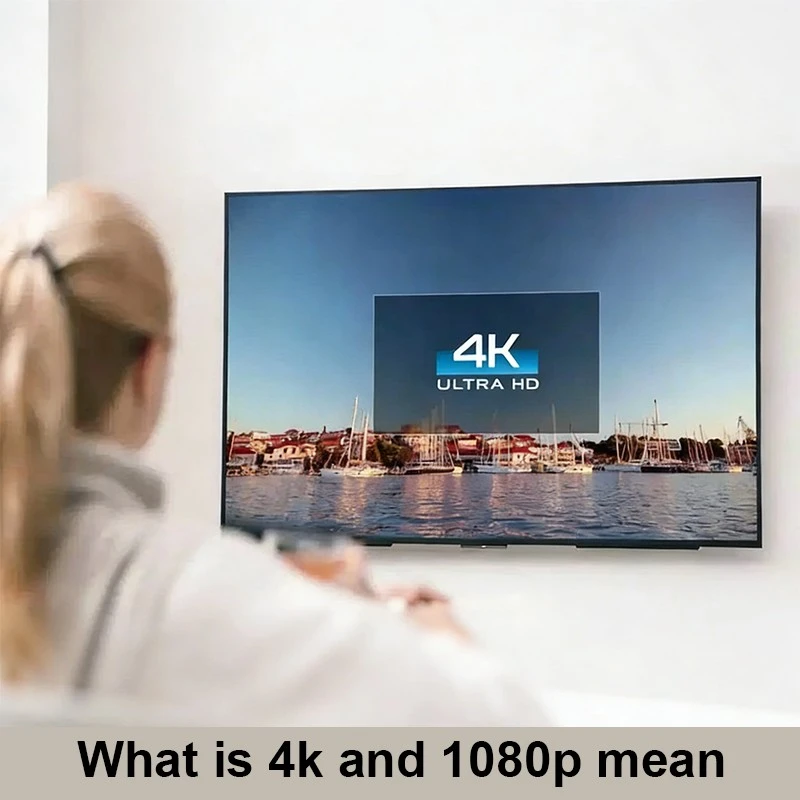
Resolution refers to the number of pixels used to form an image on a screen. Each pixel contributes to the clarity, detail, and realism of what is displayed.

1080p (Full HD) = 1920 × 1080 pixels → about 2.07 million pixels
4K (Ultra HD) = 3840 × 2160 pixels → about 8.3 million pixels

In simple terms, 4K has four times as many pixels as 1080p. This pixel density difference directly impacts image sharpness, text readability, and fine visual detail.

In large commercial displays, like Qtenboard 4K interactive whiteboards and digital signage, this higher pixel count ensures that your content remains crisp and legible even at close viewing distances or across expansive screens.4K vs 1080p Digital Signage: Key Differences for Business Displays


Difference 1: Image Sharpness and Detail

The most obvious difference between 4K and 1080p is image clarity.

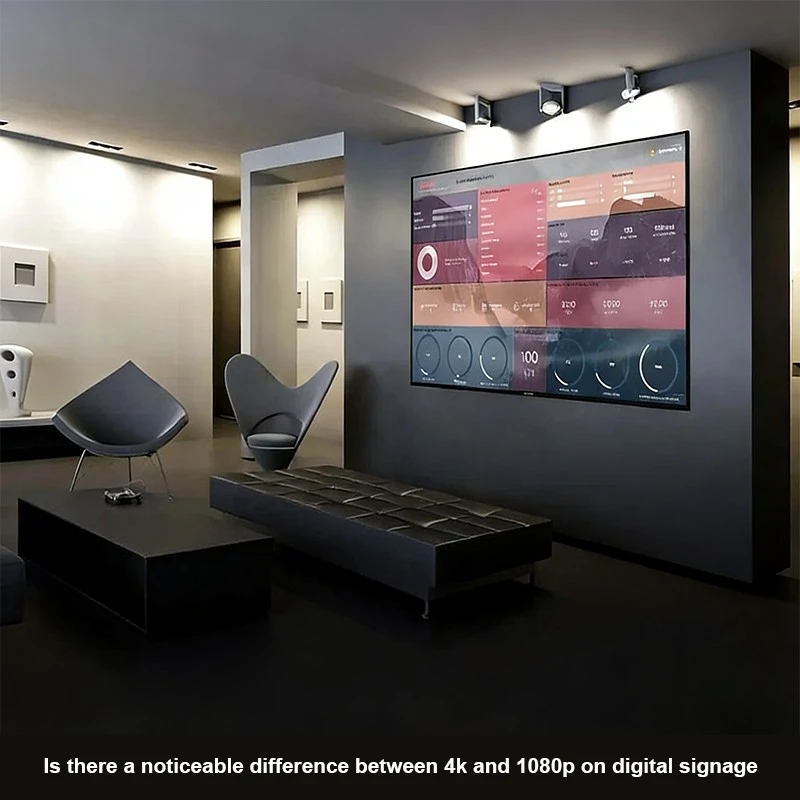
On small screens or when viewers are far away, this difference may not be immediately noticeable. However, in large-scale commercial displays, the advantage of 4K becomes critical:

  • Large retail screens: Product images appear sharper; finer textures are visible
  • Corporate displays: Presentations, charts, and text are crisp, even from the front row
  • Interactive whiteboards: Writing and annotations are clearer for classroom or office use

For example, comparing a 65-inch 1080p screen with a 65-inch 4K display, the 4K screen provides:

  • Sharper text edges
  • More visible product textures
  • Smoother gradients and less pixelation

This is why Qtenboard equips its commercial displays and interactive boards with native 4K resolution, ensuring clarity on large-format screens used in retail, corporate, and educational environments.

Difference 2: Supported Content and Future Readiness

1080p content is widely available, which makes it reliable and compatible. Most online videos, presentations, and standard advertising materials are Full HD.

However, as technology advances:

  • 4K content is becoming more common on streaming platforms and digital advertising networks
  • Creative teams are producing higher-quality visuals to stand out in competitive markets
  • Large digital signage screens demand higher resolution to prevent visible pixels

Choosing 4K today is also about future-proofing your investment. A 4K display can handle 1080p content without issue and is ready for higher-resolution content in the future.

Qtenboard’s displays support multiple interfaces (HDMI, DP, USB-C, etc.), making it easy to connect various 4K sources without compatibility issues. Businesses can confidently invest in 4K, knowing that future content updates won’t require new hardware.

Difference 3: Cost and Budget Considerations

4K vs 1080p Digital Signage: Key Differences for Business Displays

4K displays are more expensive than 1080p due to:

  • Higher-quality panels
  • Increased processing power
  • More advanced electronics

However, in commercial projects, cost should not be the only factor. Consider:

  • Screen size and viewing distance
  • Type of content (text, video, graphics)
  • The visual impression you want to leave on customers

For training rooms, internal dashboards, or small displays, 1080p is sufficient. For retail, advertising, or high-impact public installations, 4K provides better clarity and a stronger brand impression.

Qtenboard offers both cost-effective 1080p solutions and premium 4K displays, allowing customers to match resolution with application and budget.

Difference 4: Bandwidth and Storage Requirements

Higher resolution means more data:

  • 4K video streams require more bandwidth
  • 4K content files occupy more storage
  • Network stability is critical for smooth playback

This is important for digital signage connected via streaming networks or cloud content management systems.

Qtenboard 4K displays are engineered for efficient decoding and stable playback, minimizing lag, dropped frames, or synchronization issues. Businesses get high-quality visuals without overloading networks.

Difference 5: Viewing Distance and Screen Size

Viewing distance heavily influences perceived difference between 4K and 1080p:

  • Far away from the screen: Difference is less noticeable
  • Close to large screens: 4K clearly outperforms 1080p, showing more detail and sharper text

This is critical in:

  • Retail advertising
  • Video walls and conference room displays
  • Interactive whiteboards for classrooms and offices

Qtenboard provides 4K displays from 8 inches to 110 inches, allowing businesses to match resolution with application scenarios.

Practical 4K vs 1080p Comparison Table
Tampokan 1080p (Full HD) 4K (Ultra HD) Suitable Qtenboard Product
Resolusyong 1920 × 1080 3840 × 2160 Qtenboard 4K displays
Pixels ~2.07 million ~8.3 million All 4K interactive boards and signage
Image Clarity Standard Ultra-sharp Large video walls, classrooms, retail
Content Support Widespread Growing rapidly Compatible with most streaming platforms and media players
Bandwidth/Data Moderate Mataeg Optimized for stable 4K playback
Ideal Screen Size Small-medium Medium-large 8"–110" Qtenboard range
Halagat Lower Higher Flexible options for project budgets
Future-proof Limited Excellent Supports upcoming high-res content
Frequently Asked Questions (FAQ)
Q1: Will I notice 4K on a small screen?
A: On screens under 32 inches, the difference is subtle at normal viewing distance. For commercial use, larger screens benefit most from 4K clarity.
Q2: Can 4K displays play 1080p content?
A: Yes, Qtenboard 4K displays are backward-compatible with 1080p, so businesses can gradually upgrade content without hardware changes.
Q3: Does 4K consume more power?
A: Slightly more than 1080p, but modern 4K displays, including Qtenboard, are energy-efficient and optimized for long-term commercial use.
Q4: How to decide between 1080p and 4K for my project?
A: Consider screen size, viewing distance, content type, and long-term branding impact. Qtenboard offers professional advice for project-specific recommendations.
Q5: Are Qtenboard 4K displays future-proof?
A: Yes. With 4K resolution and multiple interfaces, Qtenboard displays are ready for next-generation content and extended use.
Conclusion

The difference between 4K and 1080p lies in:

  • Image clarity
  • Content compatibility
  • Cost and budget
  • Data consumption
  • Viewing distance

1080p remains sufficient for many standard business applications, while 4K is ideal for high-impact displays, large-format screens, and future-ready installations.

With native 4K resolution, wide size range (8–110 inches), multi-interface support, and energy-efficient performance, Qtenboard ensures businesses can deliver crisp, detailed visuals that impress audiences and maximize content impact.

If you are unsure which resolution is suitable for your project, Qtenboard can provide tailored guidance, helping you select the right 4K display for your specific application.

Click to read the product details and learn about its functional features and actual performance.

📖 Read Product

Bahay Whatsapp Mail Pagtatarin